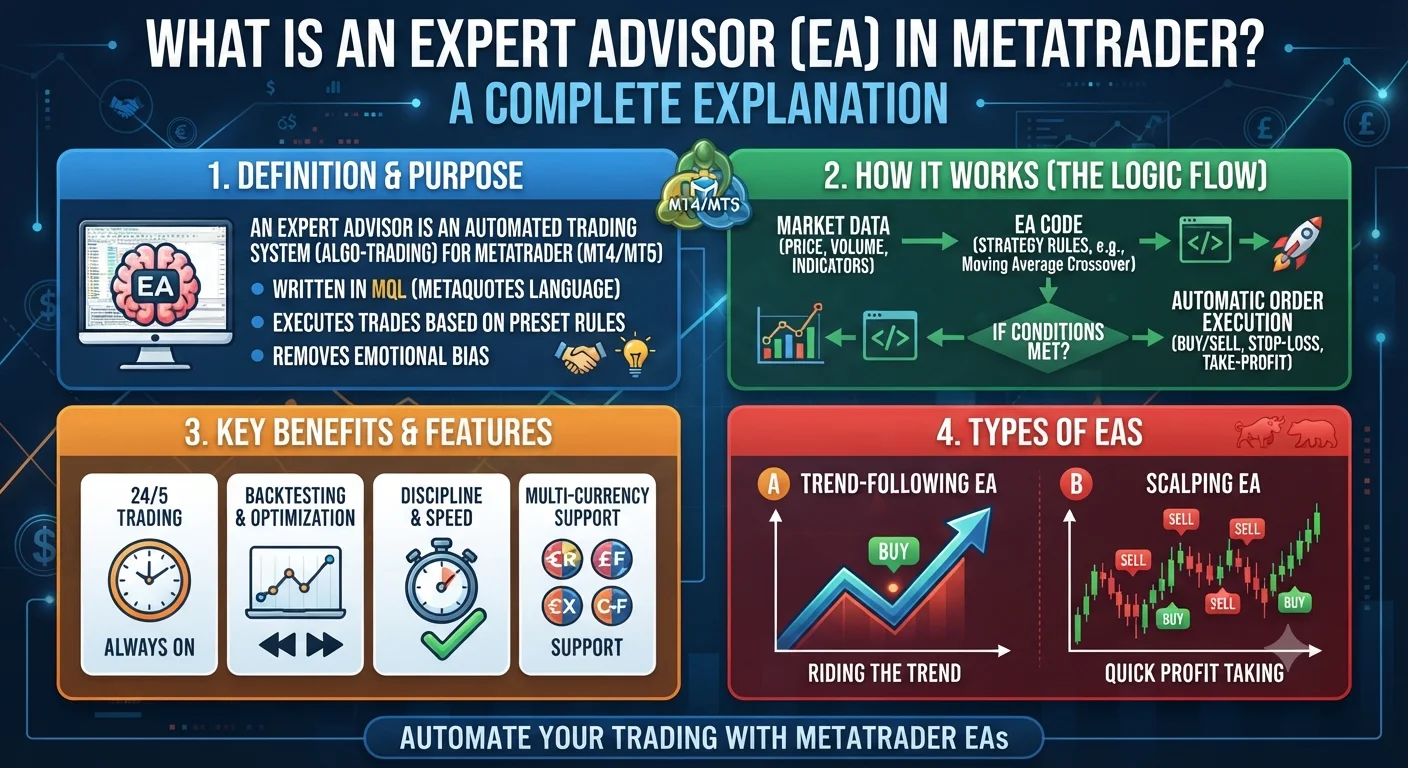
An Expert Advisor (EA) is an automated trading program that runs inside the MetaTrader 4 or MetaTrader 5 trading platform. It monitors the market, identifies trade setups based on pre-programmed rules and places buy or sell orders automatically without any manual input from the trader.
Quick Definition: What Is an Expert Advisor?
The term Expert Advisor is specific to the MetaTrader platform family. On other platforms the same type of software may be called a trading robot, trading bot or algorithmic trading script. All of these terms describe the same fundamental concept: a piece of software that executes trades based on a defined set of rules.
An EA is written in MetaQuotes Language (MQL4 for MetaTrader 4 or MQL5 for MetaTrader 5). Once attached to a chart in the platform it runs continuously, checking market conditions on every price movement or at set time intervals and acting automatically when its conditions are met.
The rules programmed into an EA can be as simple or as complex as the developer chooses:
Simple example: Buy EUR/USD when the 50-period moving average crosses above the 200-period moving average. Close the trade when the 50-period moving average crosses back below the 200-period moving average.
Complex example: A multi-condition system checking multiple indicators across different time frames, filtering by time of day, volatility conditions and news event proximity before placing any trade.
How It Works in Real Forex Trading
- Quick Definition: What Is an Expert Advisor?
- How It Works in Real Forex Trading
- A Practical Example
- Why It Matters for Your Trading Results
- Frequently Asked Questions
- Q: Where can I get an Expert Advisor?
- Q: Do I need to know how to code to use an EA?
- Q: What is the difference between MetaTrader 4 and MetaTrader 5 EAs?
- Q: Can an Expert Advisor run when my computer is off?
- Q: Are there free Expert Advisors that actually work?
When an EA is active on a MetaTrader chart the following process runs continuously:
Monitoring: The EA receives a live price feed from the broker and continuously evaluates the current market conditions against its programmed rules.
Signal generation: When all the conditions defined in the EA's code are met it generates a trade signal.
Order placement: The EA sends an order directly to the broker through the MetaTrader platform. This includes the entry price, lot size, stop-loss and take-profit levels as defined in its settings.
Trade management: While the trade is open the EA monitors it continuously. It may move the stop-loss as the trade progresses (trailing stop), close part of the position at a predefined target or apply other management rules coded into it.
Trade closure: The EA closes the trade when its exit conditions are triggered whether that is hitting the take-profit, hitting the stop-loss or meeting some other coded exit rule.
The entire process from signal detection to order execution can happen in milliseconds which is far faster than any human trader could react.
A Practical Example
A trader purchases a trend-following EA designed for the EUR/USD 1-hour chart. The EA's settings allow the trader to adjust:
| Setting | What It Controls |
|---|---|
| Lot size | How large each position is |
| Stop-loss in pips | Where the trade closes if the market moves against it |
| Take-profit in pips | Where the trade closes in profit |
| Magic number | A unique identifier so the EA recognises its own trades |
| Trading hours | Which hours of the day the EA is permitted to trade |
The trader sets the lot size to 0.1 (a mini lot) and enables the EA on the chart. From that point the EA operates without the trader needing to watch the screen. It places trades, manages them and closes them automatically according to its rules.
Recommended Articles
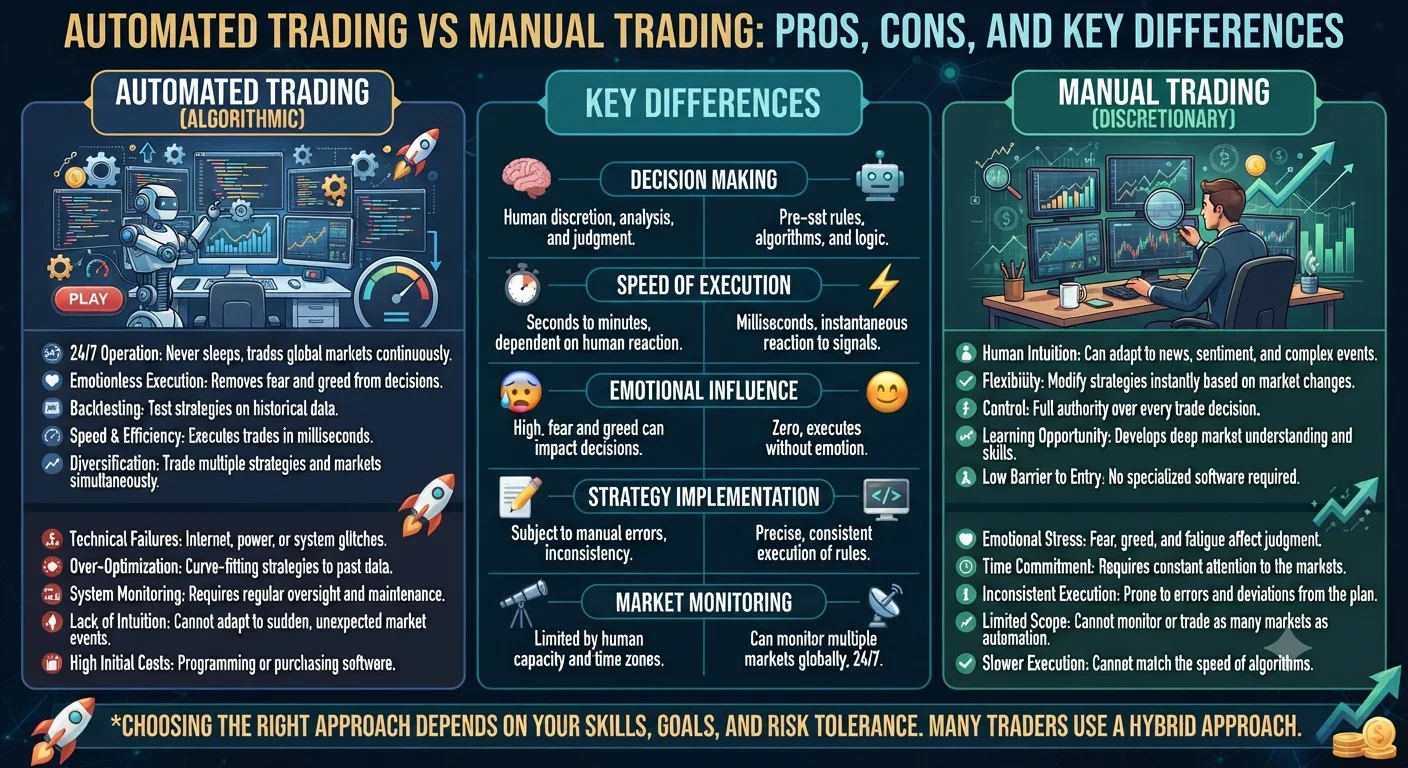 AUTOMATED TRADING EXPERT ADVISORS
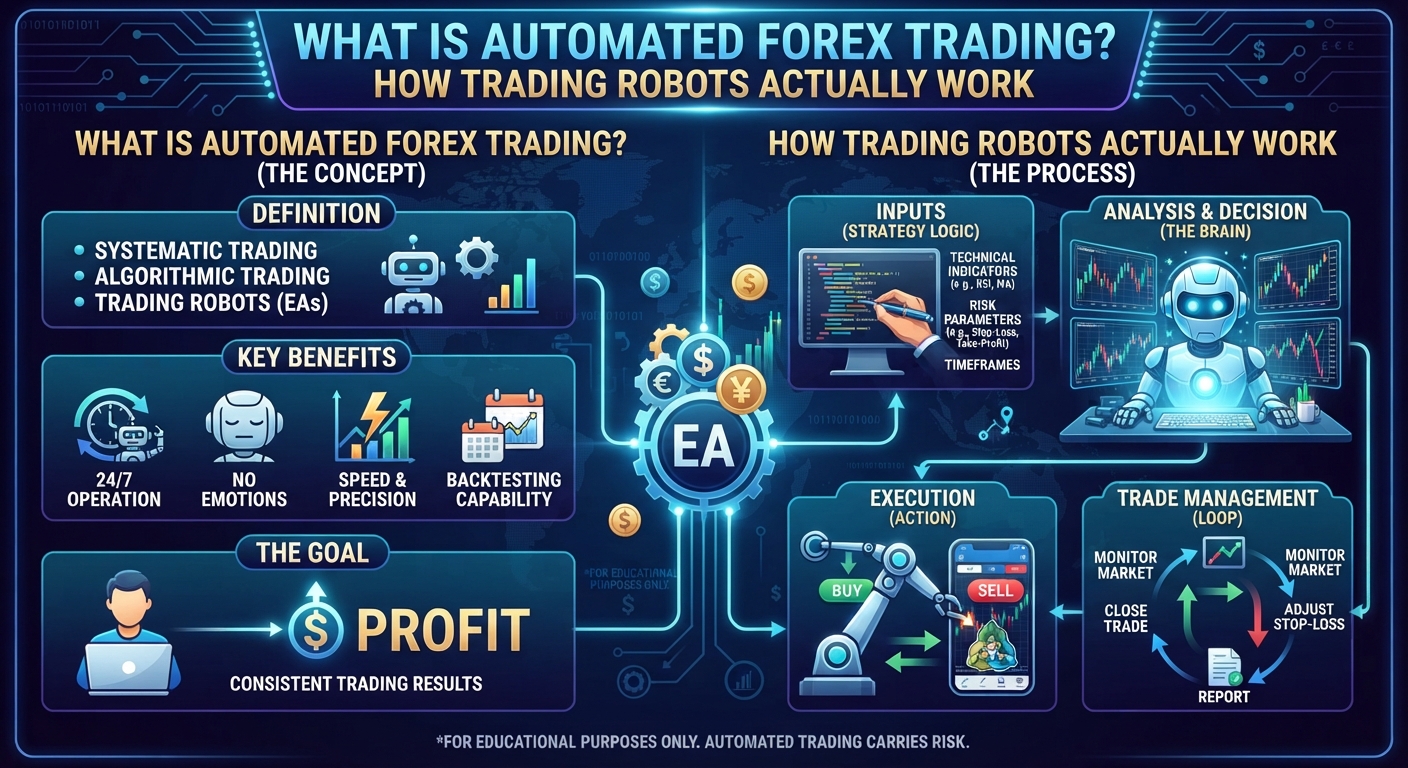 AUTOMATED TRADING EXPERT ADVISORS
Why It Matters for Your Trading Results
Using an EA correctly can remove two of the most damaging forces in retail trading: emotion and inconsistency. The EA will follow its rules on every single trade without hesitation, fear or greed.
However several important truths apply:
The EA is only as good as the strategy it runs. A poorly designed strategy executed with perfect consistency will lose money consistently. Automation amplifies the strategy's edge but it also amplifies its weaknesses.
Backtesting is essential before live use. Before running any EA on a live account test it in MetaTrader's built-in Strategy Tester using historical data. Evaluate the drawdown, win rate, profit factor and Sharpe ratio to understand what the strategy actually does.
Demo testing comes after backtesting. Run the EA on a demo account with live market conditions for at least two to three months before committing real funds.
Monitoring is still required. Automated does not mean unattended. Brokers can have outages, market conditions can change dramatically and EAs can malfunction. Check your EA regularly even if it runs without daily intervention.
Frequently Asked Questions
Q: Where can I get an Expert Advisor?
Expert Advisors can be obtained from several sources. The MetaTrader Market (accessible inside the platform) offers both free and paid EAs. Third-party developers sell EAs on their own websites. Programmers on freelance platforms can build custom EAs to your specifications. MQL4 and MQL5 developers can also build completely original strategies if you have specific requirements.
Q: Do I need to know how to code to use an EA?
No. You can use a pre-built EA without any programming knowledge. You simply download the EA file, install it in the MetaTrader platform folder and attach it to a chart. Basic settings like lot size and stop-loss are typically adjustable through a simple settings panel without touching any code.
Q: What is the difference between MetaTrader 4 and MetaTrader 5 EAs?
EAs written for MetaTrader 4 in MQL4 are not compatible with MetaTrader 5 without modification. MT5 EAs are written in MQL5 which has a more advanced programming structure. If you want to use a specific EA confirm which version of MetaTrader it was designed for before purchasing or downloading it.
Q: Can an Expert Advisor run when my computer is off?
Not without a Forex VPS. If your personal computer is turned off MetaTrader closes and the EA stops running. Trades that should be placed will be missed. A Forex VPS (Virtual Private Server) solves this by keeping MetaTrader running continuously on a remote server 24 hours a day regardless of your personal computer's state.
Q: Are there free Expert Advisors that actually work?
Some free EAs available in the MetaTrader Market or on developer websites have genuine positive backtesting results. However free EAs require the same rigorous evaluation as paid ones. Always backtest independently with realistic spread and commission settings and forward-test on a demo account before using any EA with real money.